Static vs Dynamic Websites: Which One Is Right for Your Business?
Static vs dynamic websites—which should you choose? Discover the real costs, maintenance differences, and which option fits your business goals in 2026
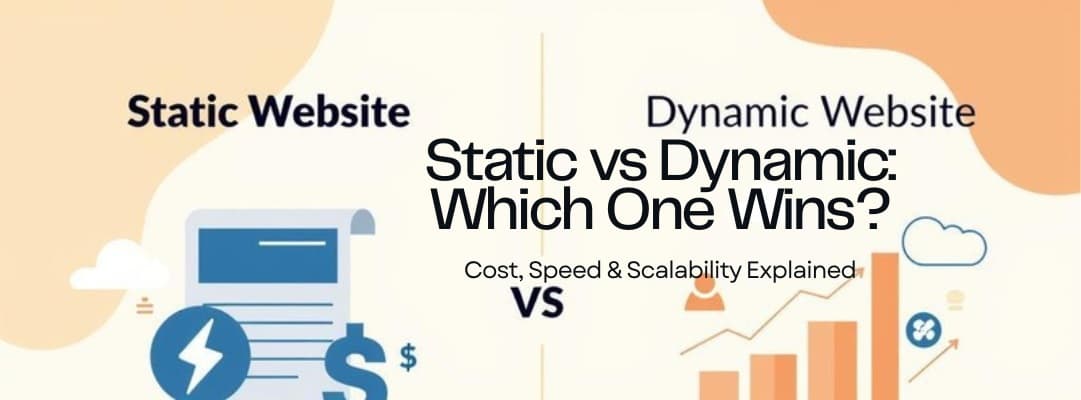
Here's the Thing—You Don't Need to Be a Developer to Make This Decision
Last week, I was on a call with a bakery owner from Hazratganj. She'd been quoted $8,000 for a "dynamic website with CMS integration" by one agency and $2,500 for a "static site" by another. Her exact words? "I just want customers to see my cakes and call me. Why is this so complicated?"
I get it. The web development world loves throwing around jargon that makes simple decisions feel overwhelming. Static. Dynamic. Headless CMS. Server-side rendering. It's enough to make any non-technical business owner want to throw their laptop out the window.
But here's the good news: choosing between a static and dynamic website isn't actually that complicated once you strip away the tech speak. And making the wrong choice? It can cost you thousands in unnecessary maintenance fees or lost sales from a site that can't do what your business needs.
So let's break this down like we're having coffee together—no coding knowledge required.
What "Static" and "Dynamic" Actually Mean (Without the Jargon)
Let's start with the basics. When developers say "static website," they mean a site that's built once and stays the same until someone manually updates it. Think of it like a printed brochure that lives on the internet. Every visitor sees the exact same content, in the exact same way, every single time.
A dynamic website, on the other hand, is more like a smart assistant. It can change what it shows based on who's visiting, what time it is, or what actions they've taken. It pulls information from databases, processes it on the fly, and creates personalized experiences.
Here's a simple way to think about it: a static site is like a restaurant menu printed on paper. A dynamic site is like a digital kiosk where customers can filter by dietary restrictions, see daily specials, and place orders directly.
Both can look absolutely stunning. Both can rank well on Google. But they serve very different business needs—and come with very different price tags.
The Real Cost Difference (And Why It Matters for Your Budget)
Let's talk money because that's probably what you're really wondering about.
According to 2026 pricing data, a basic static website typically runs between $1,500–$4,000 upfront, while dynamic sites start around $6,000–$12,000 for professional development . That's a significant gap. But the real kicker comes with ongoing costs.
Static sites are cheap to maintain—sometimes as low as $50–$250 per month or even less if you rarely need updates . Why? Because there's no complex database to manage, no software updates to worry about, and fewer security vulnerabilities.
Dynamic sites? You're looking at $500–$2,500+ per month in maintenance costs depending on complexity . That's because dynamic sites need regular CMS updates, security patches, plugin maintenance, and technical monitoring. Skip this, and you risk your site breaking or getting hacked.
So here's the math over three years:
- Static site: $3,000 upfront + $150/month maintenance = $8,400 total
- Dynamic site: $10,000 upfront + $1,000/month maintenance = $46,000 total
That's a $37,600 difference. For many small businesses, that's the salary of a part-time employee or a significant marketing budget.
When a Static Website Is Actually the Smart Choice
I'll be honest with you—most small businesses I talk to don't need dynamic websites. They just think they do because some agency convinced them that "dynamic" means "professional."
A static website is perfect if:
- Your content doesn't change frequently (maybe a few updates per month)
- You don't need user accounts, logins, or personalized content
- You're primarily showcasing services, portfolios, or contact information
- You want blazing-fast load speeds (which Google loves for SEO)
- Security and low maintenance are priorities
Here's something that might surprise you: static sites can actually load faster than dynamic ones because there's no database to query or complex processing happening. In 2026, with Google's Core Web Vitals affecting search rankings, that speed advantage is huge .
And modern static sites aren't the boring HTML pages from 2005. Using tools like Next.js or Astro, developers can create interactive, beautiful sites that feel dynamic to users while remaining technically static . You get contact forms, animations, image galleries, and even e-commerce functionality—without the backend complexity.
When You Actually Need a Dynamic Website (Be Honest With Yourself)
Now, let's be fair. Sometimes you really do need dynamic capabilities. And if you try to force a static site to do dynamic things, you'll end up with a mess that costs more to fix than building it right the first time.
You need a dynamic website if:
- You're running e-commerce with inventory management, user accounts, and real-time pricing
- You have a content-heavy site (blogs, news, resources) that updates daily or weekly
- You need user authentication (members-only areas, client portals)
- You require complex search functionality or personalized user experiences
- You're building a web application rather than a marketing website
Here's the thing though—68% of small business websites lack basic functionality because they were built without clear requirements . Don't be that business. Be brutally honest about what you actually need versus what sounds cool.
I once worked with a consultant who insisted on a dynamic site with a custom CMS because he "might want to blog weekly." Two years later, he'd published four posts. He'd spent an extra $15,000 on capabilities he barely used.
The Hybrid Approach: Getting the Best of Both Worlds
Here's where it gets interesting. In 2026, the line between static and dynamic is blurrier than ever. Modern development approaches—often called "JAMstack" or hybrid architectures—let you combine static foundations with dynamic elements where needed .
What does this mean in plain English? You can have a mostly static site that's incredibly fast and secure, with specific dynamic features (like a booking system or contact form) added only where necessary.
This approach is becoming the go-to recommendation for smart agencies because it gives you:
- The speed and security benefits of static sites
- The functionality of dynamic features where actually needed
- Lower maintenance costs than fully dynamic sites
- Better scalability as your business grows
At Ark Services, this is actually our default recommendation for most clients. We start with a static foundation and add dynamic capabilities only when there's a clear business case. It's about being strategic, not just following trends.
Red Flags: When an Agency Is Pushing the Wrong Solution
Let me share some warning signs that an agency might be recommending what pays them best rather than what works for you:
They dismiss static sites as "outdated" or "basic" — Modern static sites are neither. This usually means they're either behind on current tech or trying to upsell you.
They recommend WordPress for everything — Don't get me wrong, WordPress is great. But if you're paying for custom WordPress development when you need five pages that rarely change, you're overpaying by thousands.
They can't explain why you need dynamic features — If they say "dynamic" but can't give you specific examples of how it benefits your business, run.
Their maintenance quotes seem low — If someone quotes you $50/month for maintaining a complex dynamic site, they're either cutting corners or planning to nickel-and-dime you later. Real dynamic maintenance costs $500+ per month for a reason .
They use scare tactics about static sites — "You won't be able to update anything yourself!" (False—modern static sites use headless CMSs that are easier than WordPress.) "Static sites can't rank on Google!" (Also false—speed actually helps SEO.)
The Decision Framework: Ask Yourself These 4 Questions
Still unsure which direction to go? Here's a simple framework I use with clients:
1. How often will your content actually change?
- Rarely (monthly or less) → Static
- Frequently (weekly or daily) → Dynamic
2. Do you need user-specific functionality?
- No user accounts needed → Static
- Login areas, personalization, e-commerce → Dynamic
3. What's your realistic technical comfort level?
- You want "set it and forget it" → Static
- You have (or can hire) technical staff → Dynamic
4. What's your 3-year budget?
- Under $10,000 total → Static
- $25,000+ available → Consider dynamic
Be honest with your answers. I've seen too many businesses choose dynamic sites because they aspire to blog daily or hope to add e-commerce later. Build for reality, not fantasy. You can always upgrade later—it's much cheaper to add complexity than to remove it.
The Bottom Line: Start Simple, Scale Smart
Here's my honest opinion after building websites for businesses across Lucknow, London, and Los Angeles: start with the simplest solution that meets your current needs.
If you're a service business, consultant, or local shop that primarily needs to showcase work and capture leads, a static site will serve you beautifully. You'll save thousands upfront, pay minimal maintenance, and have a site that's faster and more secure than 90% of your competitors.
If you're running complex operations, e-commerce, or content platforms, invest in dynamic architecture—but make sure you're budgeting $500–$2,000+ per month for proper maintenance . Skimping here is like buying a Ferrari and never changing the oil.
And remember: in 2026, the best agencies aren't selling you "static" or "dynamic"—they're selling you business results. The technology choice should be invisible to you, serving your goals without becoming a burden.
Still unsure which direction fits your business? At Ark Services, we don't sell you what you don't need. We'll audit your actual requirements and recommend the most cost-effective solution—even if it's not the most expensive one. What's your biggest concern about choosing the wrong type of website?
Comments
Join the discussion
Related Posts

Why Every Small Business in Lucknow Needs a Website in 2026
Discover why 78% of Lucknow businesses are going digital in 2026. Learn how a professional website builds trust, attracts local customers, and drives real revenue growth
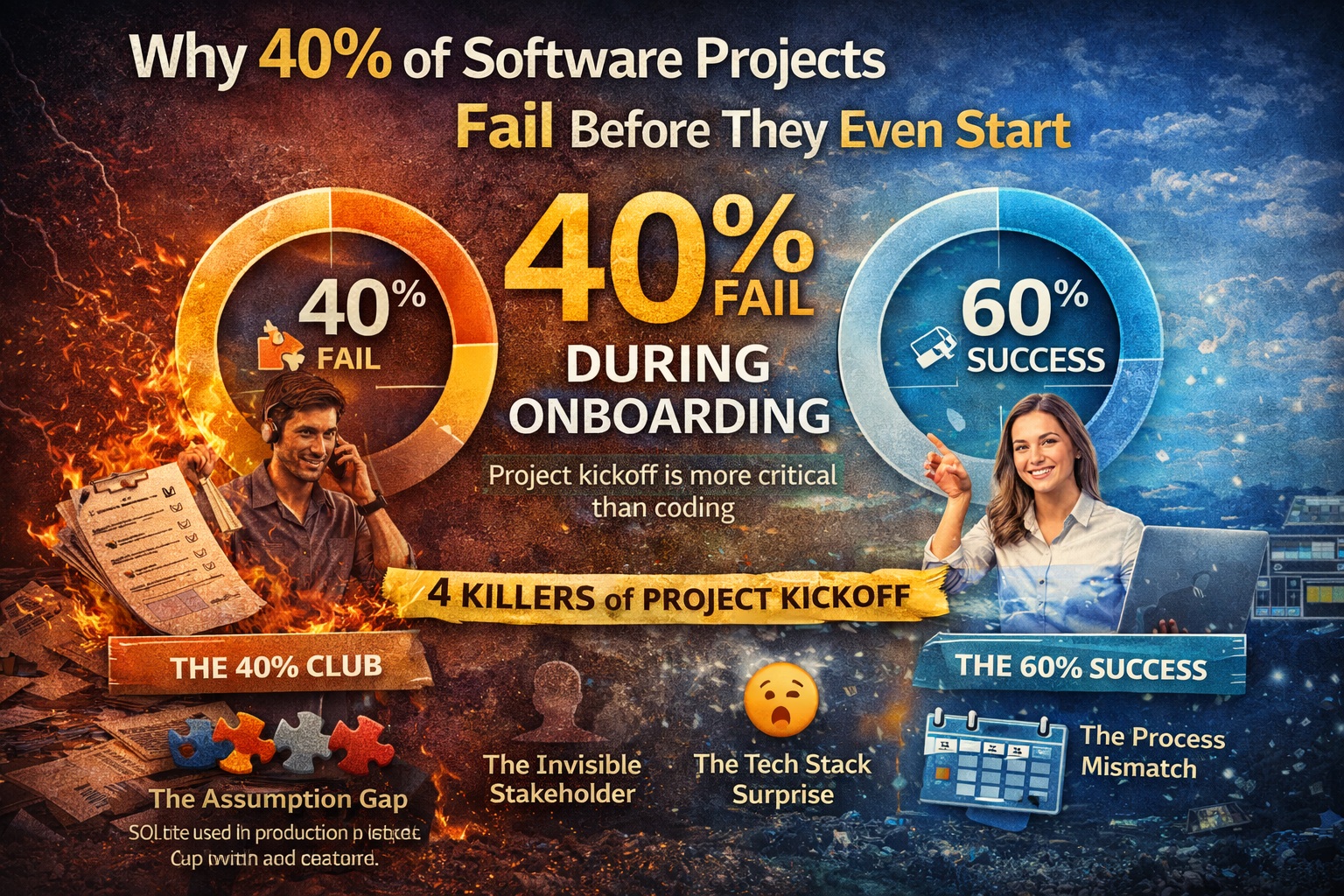
Why 40% of Software Projects Fail Before They Even Start
40% of software projects fail during onboarding. Learn why project kickoff matters more than coding and how to start your development project right.
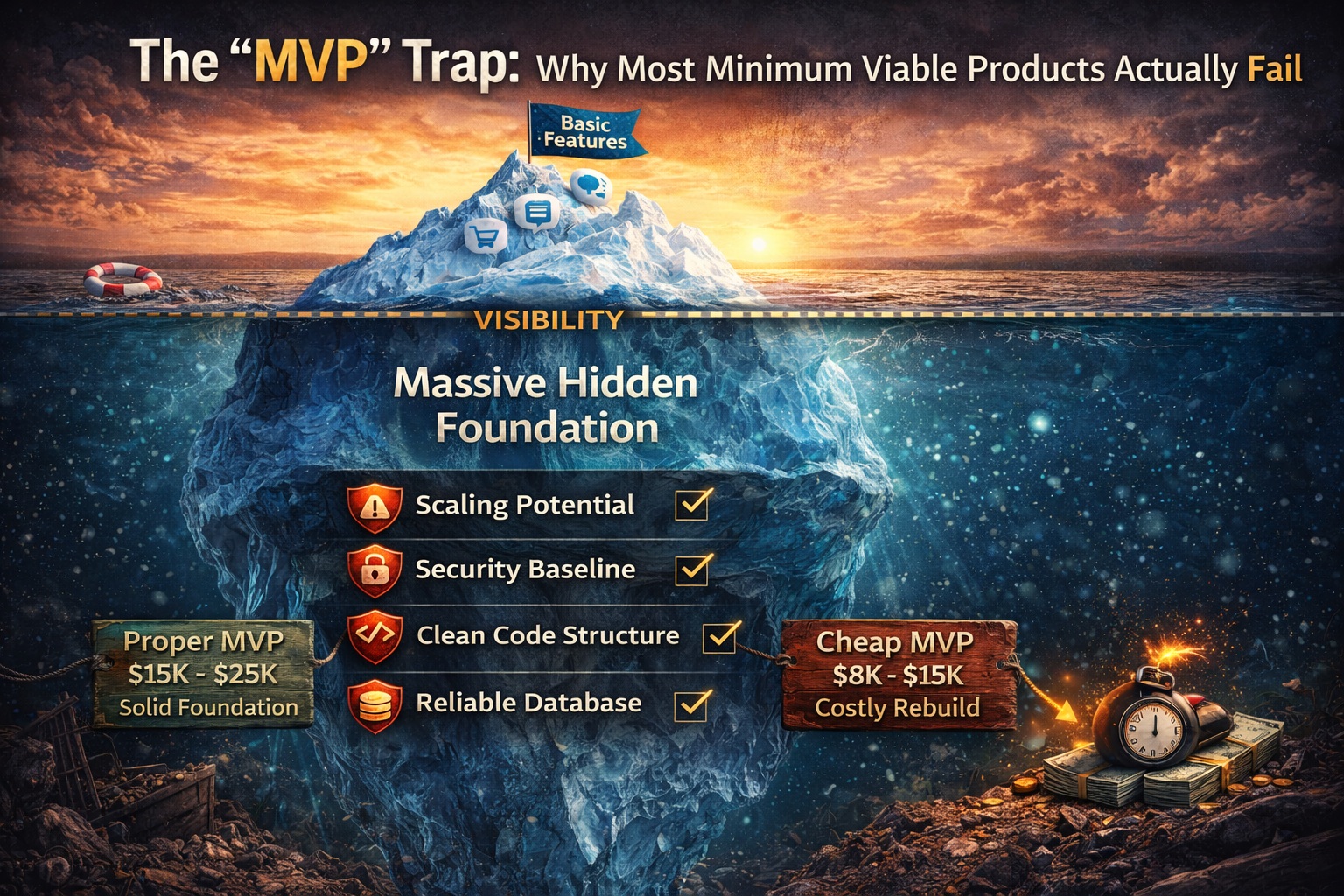
The "MVP" Trap: Why Most Minimum Viable Products Actually Fail
Building an MVP? Learn why 90% fail without proper foundation and how solid MVP development strategy prevents costly rebuilds. A survival guide for founders.