5 Warning Signs Your App Architecture Can't Handle Growth
Is your app ready to scale? Learn the 5 signs of poor app architecture and how scalable app development prevents costly rebuilds before it's too late.
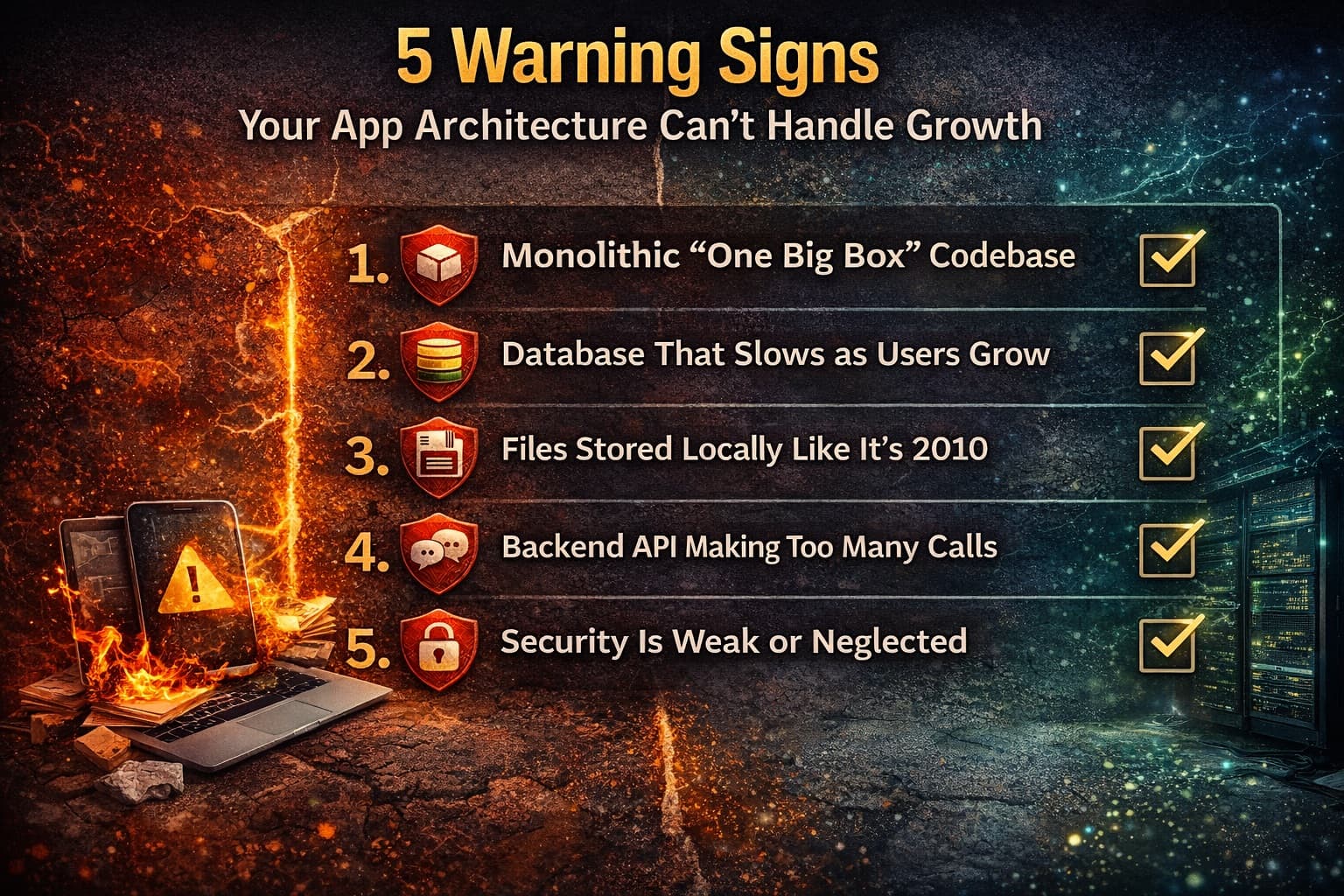
5 Warning Signs Your App Architecture Can't Handle Growth
Your app worked perfectly for the first 100 users. Heck, it even survived your Product Hunt launch. But last week, something weird happened.
The database crashed during a demo with your biggest potential client. Your login page takes 8 seconds to load. And your developer just mentioned something about "technical debt" that sounded expensive.
You’re wondering if you built your rocket ship out of cardboard.
Here’s the brutal truth: Most startup apps aren’t built to scale. They’re built to launch. And there’s a massive difference between “works now” and “works at 10,000 users.”
Scalable app development isn’t about predicting the future—it’s about not painting yourself into a corner when that future arrives faster than expected. Because when growth hits and your architecture crumbles, you’re not just fixing code. You’re rebuilding while your servers are on fire and customers are tweeting angry screenshots.
Let’s talk about the five warning signs that your app architecture is a ticking time bomb. And more importantly, what to do about it before you’re hemorrhaging users.
Sign #1: Everything Lives in One Big Box (The Monolith Problem)
Imagine if your entire house ran on a single electrical circuit. Lights, oven, AC, everything. When you try to run the microwave and the dryer at the same time, the whole house goes dark.
That’s a monolithic app. All your features—user login, payment processing, image uploads, notifications—are tangled together in one massive codebase. It’s simple at first. But then one feature breaks, and suddenly nothing works.
We had a client, a fitness coaching platform, whose “simple” video upload feature kept crashing the entire app. Because the video processing was tied to the same server handling user logins, when trainers uploaded workout videos, users couldn't even sign in. On a Monday morning. During New Year's resolution season.
The fix: Modern scalable app development uses microservices or at least modular architecture. Think of it as separate circuits for different rooms. Your video processing can break without killing the lights.
If your developer can’t point to a diagram showing how different parts of your app are separated, you’ve got a monolith problem.
Sign #2: Your Database is a Traffic Jam
Remember when your app was just you and five beta testers? Your database—the place all your user data lives—was basically an empty highway. Fast, smooth, no problems.
Now you’ve got 5,000 users hitting it simultaneously, and that highway looks like rush hour in Los Angeles. Queries that took 50 milliseconds now take 5 seconds. Your app feels sluggish. Users blame their wifi, but it’s actually your database choking on its own data.
Here’s the technical reality that matters: Not all databases are built for scale. If your developer used SQLite because it was "easier," you’ve got a toy database trying to do enterprise work. If you’re still running everything through one database server with no caching strategy, you’re one viral tweet away from downtime.
The warning signs? Search functions that used to be instant now have loading spinners. Pages with lots of data take forever to load. And your developer starts talking about "database optimization" with a worried expression.
Sign #3: You're Storing Files Like It's 2010
Where do user-uploaded photos, videos, and documents live in your app? If your developer said "on the server," you’ve got a scaling problem brewing.
Local file storage works fine when you’re small. But servers have limited space. When you hit that limit—and you will—you’re either deleting user data (don’t) or frantically moving files while your app is down (really don’t).
Worse, every file request ties up your server. Remember the fitness app? Their “workaround” was storing videos on the same server running the app. So every time a user watched a workout video, the server got slower at everything else. It was like trying to cook dinner while hosting a garage sale in your kitchen.
Modern scalable app development uses dedicated storage services—AWS S3, Cloudflare R2, something that separates file delivery from your core app logic. It’s cheaper, faster, and infinitely expandable. If your app storage plan involves “buying a bigger hard drive,” you’re doing it wrong.
Sign #4: Your API is Chatting Too Much
API calls are how your app talks to the internet. Every time your app fetches data—user profiles, product listings, messages—it makes an API call. They’re invisible to users, but they’re the plumbing of your app.
Here’s where founders get burned. Inefficient APIs are silent killers. They work fine with 10 users and collapse at 1,000.
We audited an e-commerce app last month that made 47 separate API calls just to load the homepage. Forty-seven! Each one took 200-400ms. Do the math—that’s 9-18 seconds of waiting before the page even renders. No wonder their bounce rate was 70%.
The kicker? The developer was “optimizing” by adding more servers. That’s like fixing a leaky pipe by increasing water pressure. It helps briefly, then explodes worse.
Efficient APIs batch requests, cache responses, and only fetch what’s actually needed. If your developer can’t explain your API strategy in simple terms, or if every new feature requires “just one more API call,” you’re building a house of cards.
Sign #5: Security is an Afterthought (Or a Neverthought)
I know, I know. Security isn’t sexy. It doesn’t show up in user demos. It’s like insurance—you don’t think about it until your house burns down.
But here’s the thing about scale: More users mean more targets. That “temporary” admin password your developer hardcoded? That’s now exposed to thousands of potential attackers. That “we’ll fix it later” authentication loophole? It’s now a data breach waiting to happen.
We’ve seen apps that stored passwords in plain text (a cardinal sin). Apps with no rate limiting, meaning anyone could brute-force login thousands of times per second. Apps where “admin” access was determined by a simple URL parameter that any user could guess.
When you’re small, nobody cares enough to hack you. When you scale, you become interesting. And if your security architecture was duct-taped together for speed, you’ll find out the hard way that rebuilding authentication with 50,000 active users is a nightmare.
What "Good" Architecture Actually Looks Like
Okay, so you’re probably panicking a little, wondering if your app is doomed. Take a breath. Here’s the good news: You don’t need perfect architecture on day one. You need survivable architecture that can evolve.
Here are the hallmarks of scalable app development that grows with you:
Horizontal scaling potential
Can you add more servers easily, or are you stuck on one “bigger” server forever? Cloud-native design means your app spreads across multiple servers seamlessly.
Database separation
Your user data, transaction logs, and file storage should live in services designed for those specific jobs, not crammed into one bucket.
CDN for static content
Images, CSS, JavaScript—these should load from edge servers near your users, not travel halfway around the world from your main server.
Caching layers
Frequently accessed data should live in fast memory (Redis, Memcached) instead of being fetched from the database every single time.
Async processing
Heavy tasks—email sending, image processing, report generation—should happen in background queues, not make users stare at loading screens.
If your current setup lacks these, you’re not necessarily doomed. But you’re definitely on borrowed time.
The "Refactor vs. Rebuild" Decision
So you’ve identified some warning signs. Now what?
You basically have three options, and the right choice depends on where you are in your growth curve:
Option 1: Strategic Refactoring
If you’re pre-product-market fit or just starting to see traction, you can probably fix individual bottlenecks. Optimize the database, move files to cloud storage, add caching. It’s imperfect but buys you 6-12 months.
Option 2: Gradual Re-architecture
If you’re growing fast but not breaking yet, rebuild components one at a time. Move to microservices gradually. Split out your database. It’s expensive and complex, but you keep the lights on while you work.
Option 3: Full Rebuild
If your app is already crashing regularly and you’re losing customers, you might need to start fresh. It hurts. It’s expensive. But it’s better than watching your business die because of technical decisions made by a junior developer in week one.
The trick is being honest about which bucket you’re in. Founders tend to wait too long, hoping a few Band-Aids will fix fundamental structural issues. They won’t.
What You Can Do This Week (Even If You're Not Technical)
You don’t need to become a software architect overnight. But you do need to ask the right questions:
Audit your uptime
Check your server logs or ask your developer: How often has the app been down in the last 90 days? More than twice is a red flag.
Test your load time
Use Google PageSpeed Insights on your heaviest pages. If you’re scoring under 50 on mobile, you’ve got architecture problems, not just “slow internet.”
Ask about the database
“What database are we using, and what’s our plan when we hit 100,000 users?” If the answer is “we’ll figure it out,” you have a problem.
Review your hosting bill
If it’s growing exponentially while your user count grows linearly, your architecture is inefficient. Good scaling costs should grow gradually, not explode.
Get a second opinion
Hire an independent architect (not your original developer) to audit your codebase. It’ll cost $1,000-3,000. It could save you $50,000 in emergency fixes later.
The Bottom Line
You can’t predict exactly how fast you’ll grow. But you can build with the assumption that growth will happen, and it’ll happen faster than you expect when it hits.
Scalable app development isn’t about over-engineering for millions of users on day one. It’s about not making decisions on day one that prevent you from reaching millions on day 500.
Your architecture should be a springboard, not a ceiling. And if you’re seeing the warning signs we just covered, the time to act is now—before your next big marketing push turns into your biggest PR disaster.
Which of these warning signs hit a little too close to home? Are you worried your app might crumble just as things get good? Tell us in the comments—we’ll give you a quick gut-check on whether you need tweaks or a total overhaul.
Comments
Join the discussion