Cheap Web Development: Why Custom Code Actually Saves Money
Tempted by $500 websites? Discover why cheap web development often costs more long-term and why custom code beats templates for serious businesses.
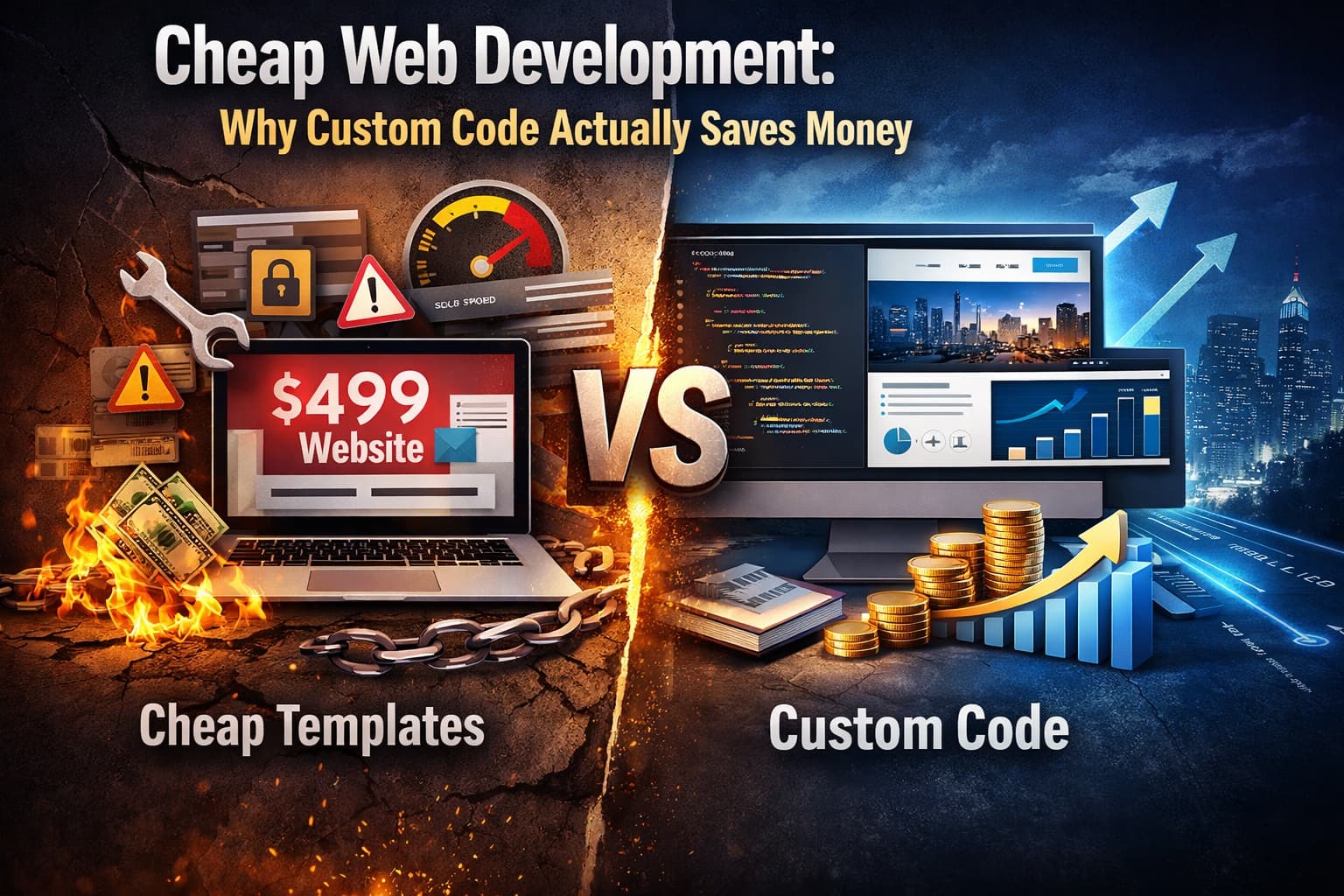
Cheap Web Development: Why Custom Code Actually Saves Money
You’ve seen the ads. “Professional website, $499!” “Get online in 24 hours!” They pop up in your Facebook feed right when you’re trying to get your business off the ground, and honestly? The price tag feels like a lifeline.
I get it. When you’re bootstrapping a startup or running an SME, every dollar matters. You’re not made of money, and that $15,000 quote from the dev agency made your stomach turn. So you click. You think, “How bad could it be?”
Here’s the thing—and I’m saying this as someone who’s cleaned up after these “bargains” for years—cheap web development is usually the most expensive mistake you’ll make.
And no, this isn’t some tech-elitist rant about how WordPress is evil. Templates and DIY builders have their place. But if you’re building something you actually plan to scale, sell through, or automate, that “affordable” site could cost you tens of thousands in lost revenue, security breaches, and rebuilds.
Let’s break down what “cheap” really means, and why custom code vs templates isn’t just a tech debate—it’s a business strategy decision.
The $500 Promise (And What You’re Really Buying)
When you pay $500 for a website, you’re not buying a product. You’re renting a template that approximately 12,000 other businesses are using right now—including probably two of your direct competitors.
These “budget” solutions usually fall into three camps:
- DIY builders (Wix, Squarespace, GoDaddy) where you drag and drop until you’re crying into your coffee at 2 AM
- Offshore template farms where someone installs a $59 WordPress theme, changes your logo, and calls it “custom”
- That guy on Fiverr who promises the moon but disappears when the contact form breaks
Look, I’ve got nothing against Squarespace for your cousin’s wedding photography side hustle. But when you’re processing payments, managing customer data, or building proprietary workflows? You need more than a pretty shell.
When "Affordable" Becomes Expensive
Let’s talk numbers. A client came to us last year—let’s call him Mike. He’d spent $800 on a “custom web development” gig (spoiler: it wasn’t custom). Six months later, his site got hacked because the template hadn’t been updated in two years. He lost three days of sales, paid $2,000 for emergency security fixes, and eventually rebuilt the entire thing with us for $8,000.
Total cost of that “cheap” site? Over $10,000 plus lost revenue.
And Mike’s story isn’t rare. It’s actually the norm.
Cheap web development cuts corners in places you can’t see: bloated code that loads slower than a Monday morning, plugins that conflict with each other like angry siblings, and zero thought put into how your business might actually use the site six months from now.
Custom Code vs Templates: What's Actually Different?
Okay, so what’s the real difference? When you buy a template, you’re getting pre-built architecture designed for everyone. It’s like buying a suit off the rack. Sure, it fits, but the sleeves are too long, the shoulders bunch weird, and you look identical to five other guys at the conference.
Custom code is bespoke tailoring. It fits your business exactly. Need your inventory to sync with your accounting software in a specific way? Done. Want a user portal that doesn’t look like every SaaS dashboard on earth? No problem. Looking for web development ROI that actually compounds over time? That’s where custom wins.
But let’s be honest—most entrepreneurs don’t care about “clean code” or “scalable architecture.” You care about results. So here’s what custom actually gets you:
- Speed: Hand-coded sites load in under a second. Template sites? Often 4-6 seconds, which is an eternity in internet time.
- SEO control: Custom lets you optimize every technical detail. Templates force you to work around their limitations.
- Security: Less bloat means fewer vulnerabilities. Custom sites get hacked far less often because there’s no random plugin from 2018 creating backdoors.
The Three Hidden Costs Killing Your Budget
We’ve established that cheap web development has hidden price tags. But where exactly does the money leak out?
1. The Plugin Tax
Templates rely on plugins to do anything fancy. Contact form? Plugin. Image slider? Plugin. SEO optimization? Plugin. Each one is a potential failure point, and the good ones cost money—sometimes $50-200 per year each. By year two, you’re paying more in plugin subscriptions than you would have paid for a custom build.
2. The Time Vacuum
Here’s something nobody talks about: Your time has value. When you’re wrestling with a template that won’t let you move the logo 3 pixels to the left, you’re not making sales calls. You’re not strategizing. You’re watching YouTube tutorials about CSS at midnight.
One entrepreneur told me she spent 40 hours “customizing” a $100 theme. At her hourly rate, that customization cost her $6,000 in lost productivity. Ouch.
3. The Scalability Wall
Templates work great—until they don’t. Maybe you need to add a membership area. Or integrate with a CRM that isn’t on their “approved list.” Suddenly you hit a wall, and the only way through is a complete rebuild.
Custom web development grows with you. It’s built for your roadmap, not someone else’s idea of what your business should look like.
Speed, SEO, and the Performance Trap
Google doesn’t care how pretty your site is if it takes six seconds to load. And in 2025, page speed isn’t just a ranking factor—it’s the ranking factor.
Template websites are notorious for bloat. They load every JavaScript library known to man “just in case” you need that fancy animation. Custom code loads exactly what you need, when you need it.
I recently tested a client’s old template site: 4.8 second load time, 47 page requests. Their new custom build? 0.8 seconds, 12 requests. Their bounce rate dropped by 30% in the first month.
That’s the difference between custom code vs templates in the real world. One brings people in and keeps them there. The other sends them bouncing to your faster-loading competitor.
But Wait—Do You Actually Need Custom Code?
I’d be doing you a disservice if I said everyone needs a $10,000 custom build. That’s just not true.
If you’re validating an idea and need a landing page to gauge interest? Go with Carrd or a simple WordPress template. You’re in “Days 1-7” mode—just testing the waters.
But if you’re in “Days 22-30” territory—meaning you’ve got validation, some revenue coming in, and you’re ready to scale—that’s when templates become handcuffs. That’s when custom web development shifts from “expensive luxury” to “cheapest option long-term.”
Ask yourself: Am I building a business, or am I building a brochure? If it’s the former, you need tools that work for you, not against you.
Making the Smart Investment
So how do you avoid getting scammed when you’re ready to go custom? Because I know that’s the fear keeping you up at night—the nightmare of paying $15k for something that doesn’t work.
First, find a developer who speaks human. If they can’t explain their approach without using words like “Kubernetes” or “RESTful API,” keep looking. You need someone who asks about your business goals, not just your color preferences.
Second, demand a roadmap. Custom doesn’t mean “ Build everything at once.” A good developer will help you phase the build—MVP first, features later—so you’re not eating the whole cost upfront.
Third, check their maintenance plan. Custom sites need updates too, but they’re surgical, not chaotic. You want ongoing support, not abandonment.
The Bottom Line
Cheap web development feels safe because the price tag is small. But it’s a loan you pay back with interest—lost customers, security headaches, and eventually, a complete rebuild.
Custom code feels expensive upfront because it’s honest about the cost. It’s an investment that pays dividends in speed, security, scalability, and actually representing your brand like the serious business it is.
You wouldn’t build a physical store out of cardboard because it’s cheaper. Don’t build your digital presence that way either.
What’s your biggest fear about investing in custom development? Drop a comment below—I read every single one, and I promise no tech jargon in my replies.
Comments
Join the discussion
Related Posts
Static vs Dynamic Websites: Which One Is Right for Your Business?
Static vs dynamic websites—which should you choose? Discover the real costs, maintenance differences, and which option fits your business goals in 2026

Why Every Small Business in Lucknow Needs a Website in 2026
Discover why 78% of Lucknow businesses are going digital in 2026. Learn how a professional website builds trust, attracts local customers, and drives real revenue growth
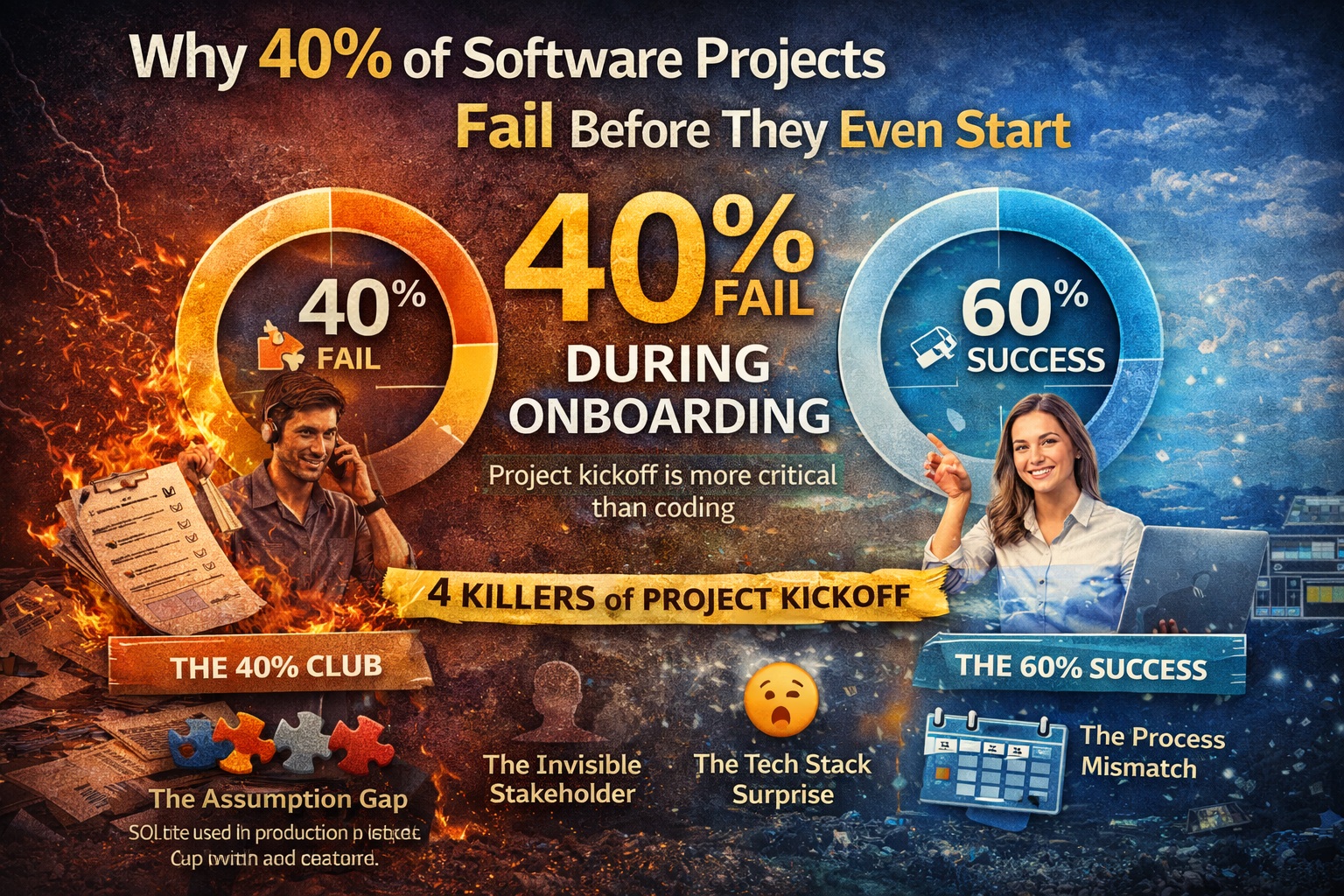
Why 40% of Software Projects Fail Before They Even Start
40% of software projects fail during onboarding. Learn why project kickoff matters more than coding and how to start your development project right.